BoXenLinux®
An Ubuntu based Linux® distribution for Nonprofits.
BoXenLinux is a collection of open source projects. Configured and extended for Nonprofits. It comes in both server (BoXenbrain) and client (BoXenbaby) variations. BoXenLinux excels at providing zero, and thin client driven local or remote desktop sessions. Linux, Windows, MacOS, and more. Using ldm, xfreerdp, and vncviewer respectively. It can also provide fat clients for Ubuntu Desktop. Utilizing KVM-VDI allows VDI managedment for all types of virtual Desktops using KVM and Spice. Great for MacOS, Windows 10, Androidx86, ChromiumOS, and Raspbian. Wireguard is used to secure all wireless and wan connections. It uses GlusterFS for clustered storage and CTDB for shares. Epoptes provides management and live interaction with all clients.
BoXenbrain is all you need if you have a wired network. All networked clients will boot the client of your choice automatically over the network. However, if you need wireless, or remote VPN clients you’ll want to install BoXenbaby to the internal drive or a USB drive of each wireless or wan client. BoXenbaby is simply Ubuntu 18.04.1 Desktop minimal with wireguard, xfreerdp-nightly, and other modern clients.
BoXenbrain is more complex, and is described below.
 </img>
 </img>
 </img>
 </img>
 </img>
Ubuntu and LTSP can provide a platform for providing desktops environments in many different ways.
LTSP already comes with these client scripts:
kiosk – Firefox running locally on thin client.
ldm – Linux desktop running remotely on local server.
menu – Interactive Menu based on Whiptail
shell – Drop to root bash shell running locally on thin client.
ssh – Secure Shell for remote terminal on local or remote server.
telnet – unsecure ssh 😉 running remotely on local or remote server.
xdmcp – Raw Xorg linux desktop running remotely on server.
xfreerdp – RDP for Windows desktop running remotely on local or cloud server.
xterm – xterm terminal running locally on thin client.
This has been furthered by the BoXenLinux project to include:
freerdp-nightly – Nightly builds of xfreerdp to take advantage of Microphone redirection and the latest graphics codecs.
rdpgui – Gui to prompt for credentials when using xfreerdp-nightly.
vdi – KVM-VDI LTSP client, see github.com/Seita…
vnc – VNCviewer for remote desktop on local or remote Android or MacOS computers.
spice – virt-viewer for KVM Virtualization software. Can provide remote access to local or remote desktops of ANY kind you can virtualize.
x2go - Linux remote desktop for local or remote servers.
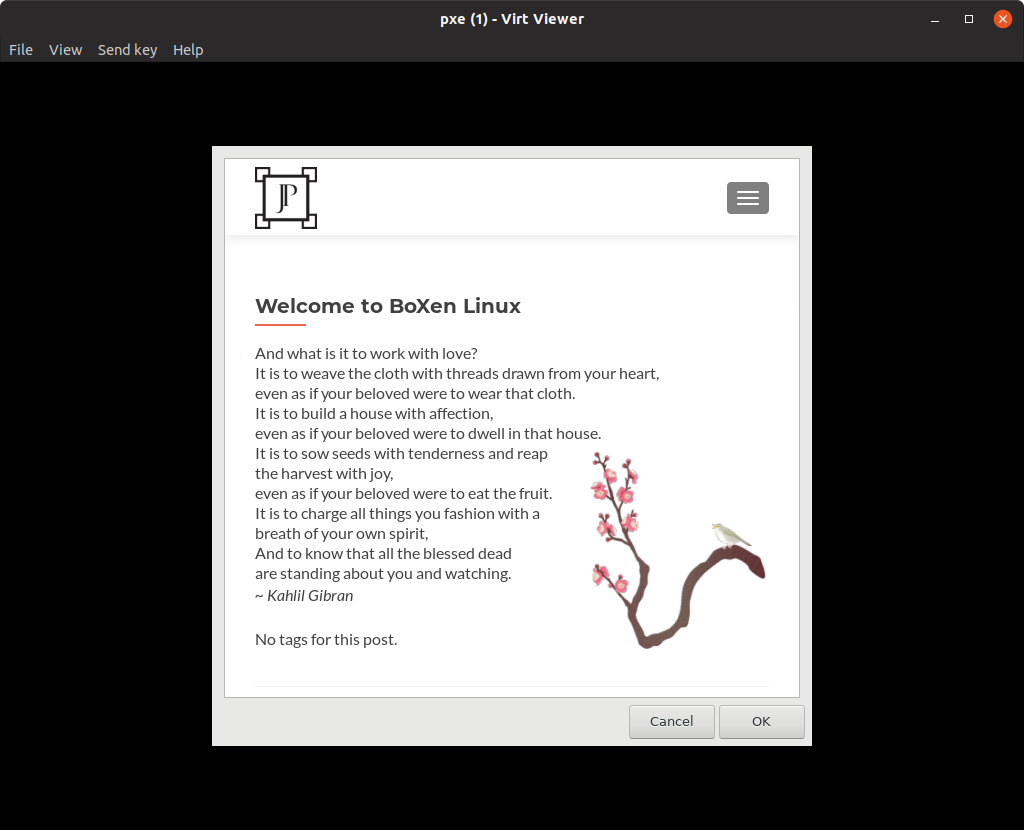
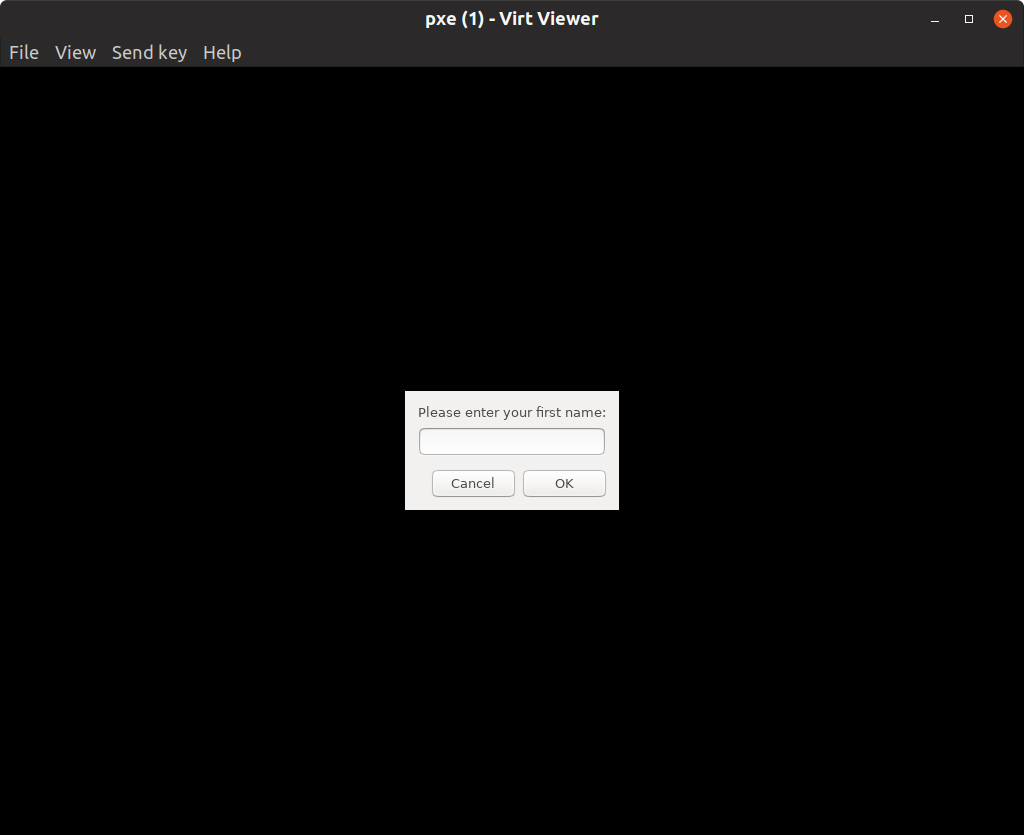
welcome - Gui Welcome window to display a welcome URL using zenity, and interactive GUI menu to replace the builtin text menu
Most of the configuration is done in the lts.conf file https://github.com/jphein/boxen/blob/master/var/lib/tftpboot/amd64/lts.conf
Install BoXenbrain: If you already have a BoXenbrain on your network, simply plug your second server in, and log in to a Ubuntu fat client session. There to install Ubuntu, you you can run:
ubiquity gtk_ui
However, if this is your first brain on the network you need to follow the steps below.
- Download Ubuntu Desktop 18.04.1 ISO here: Ubuntu
-
Install Ubuntu 18.04.1 Desktop Minimal Install.
- After install either way, run in Terminal:
sudo apt --yes install git #Install git
git clone https://github.com/jphein/boxen.git #Git clone the BoXenLinux repository
cd boxen
chmod u+x boxenbrain #Make install executable
./boxenbrain #Run the install script [install] https://github.com/jphein/boxen/blob/master/boxenbrain
Manual install guide resides here: guide https://jphein.com/how-to-create-infinite-windows-cloud-desktops-with-boxenlinux/
Update BoXenbrain:
#Update from git
sudo apt --yes install git
git clone https://github.com/jphein/boxen.git
cd boxen
chmod u+x boxenbrain-update
./boxenbrain-update
Install BoXenbaby: If you already have a BoXenbrain on your network. Simply plug your client in, and log in. There to install Ubuntu, you you can run:
ubiquity gtk_ui
However, if this wireless or remote client is not geograpically local you need to follow the steps below.
- Download Ubuntu Desktop 18.10 ISO here:
-
Install Ubuntu 18.10 Desktop Minimal Install.
- After install either way, run in Terminal:
sudo apt --yes install git #Install git
git clone https://github.com/jphein/boxen.git #Git clone the BoXenLinux repository
chmod u+x boxen/boxenbaby #Make install executable
./boxen/boxenbaby #Run the install script [install] https://github.com/jphein/boxen/blob/master/boxenbrain
Roadmap and Feature Board: https://trello.com/b/gEleKfHN/boxenlinux
Slack Channel:
Incomplete List of projects utilized in BoXenLinux: Ubuntu, LTSP, KVM, FreeRDP, KVM-VDI, OpenVPN, and so many more! Thank you!!!
Packages on top of the Ubuntu 18.04.1 Desktop minimal install: ssh virt-manager ltsp-server-standalone ltsp-client epoptes dnsmasq xfreerdp grub-ipxe x2goserver git byobu glusterfs-server ctdb apt-cacher
Interesting Projects:
-
selivan / thinclient Tools to build custom Ubuntu image, that boots over network and works entirely from RAM.
-
AdnanHodzic / displaylink-debian DisplayLink driver installer for Debian/Ubuntu based Linux distributions.
-
kenorb-contrib / isorespin Script to allow Ubuntu ISO to be respun and customized (“remastered”) to create a new ISO
-
t413 / SMS-Tools Import / Export / Merge tool for your Android/iOS/GV text message history.
-
antonym / netboot.xyz Network bootable operating system installer based on iPXE
-
mbusb / multibootusb Create multiboot live Linux on a USB disk…
-
freenas / freenas FreeNAS Git Repository
-
Thinstation / thinstation A framework for making thin and light Linux based images for x86 based machines and thinclients.
-
TigerVNC / tigervnc High performance, multi-platform VNC client and server
-
xbgmsharp / ipxe-buildweb iPXE Prebuilt binary web interface
-
Seitanas / kvm-vdi
-
FOGProject / fogproject An open source computer cloning & management system
- www.smartos.org
- www.foss-cloud.org/
- www.edubuntu.org
- www.openmediavault.org/
- www.nas4free.org/
- www.openfiler.org
- https://kubernetes.io/blog/2018/10/02/building-a-network-bootable-server-farm-for-kubernetes-with-ltsp/
The registered trademark Linux® is used pursuant to a sublicense from the Linux Foundation, the exclusive licensee of Linus Torvalds, owner of the mark on a world-wide basis. © 2018 Canonical Ltd. Ubuntu and Canonical are registered trademarks of Canonical Ltd.